Welcome displays. Present workspace branding, messages, weather and useful member information.
Workplace Experience Digital Signage App
Connect members, rooms, events and café content across your workspace
Manage welcome screens, schedules, company directories, meeting rooms and café views through one professional workspace app.
Start 15-Day Free Trial
No credit card required
Book a Demo
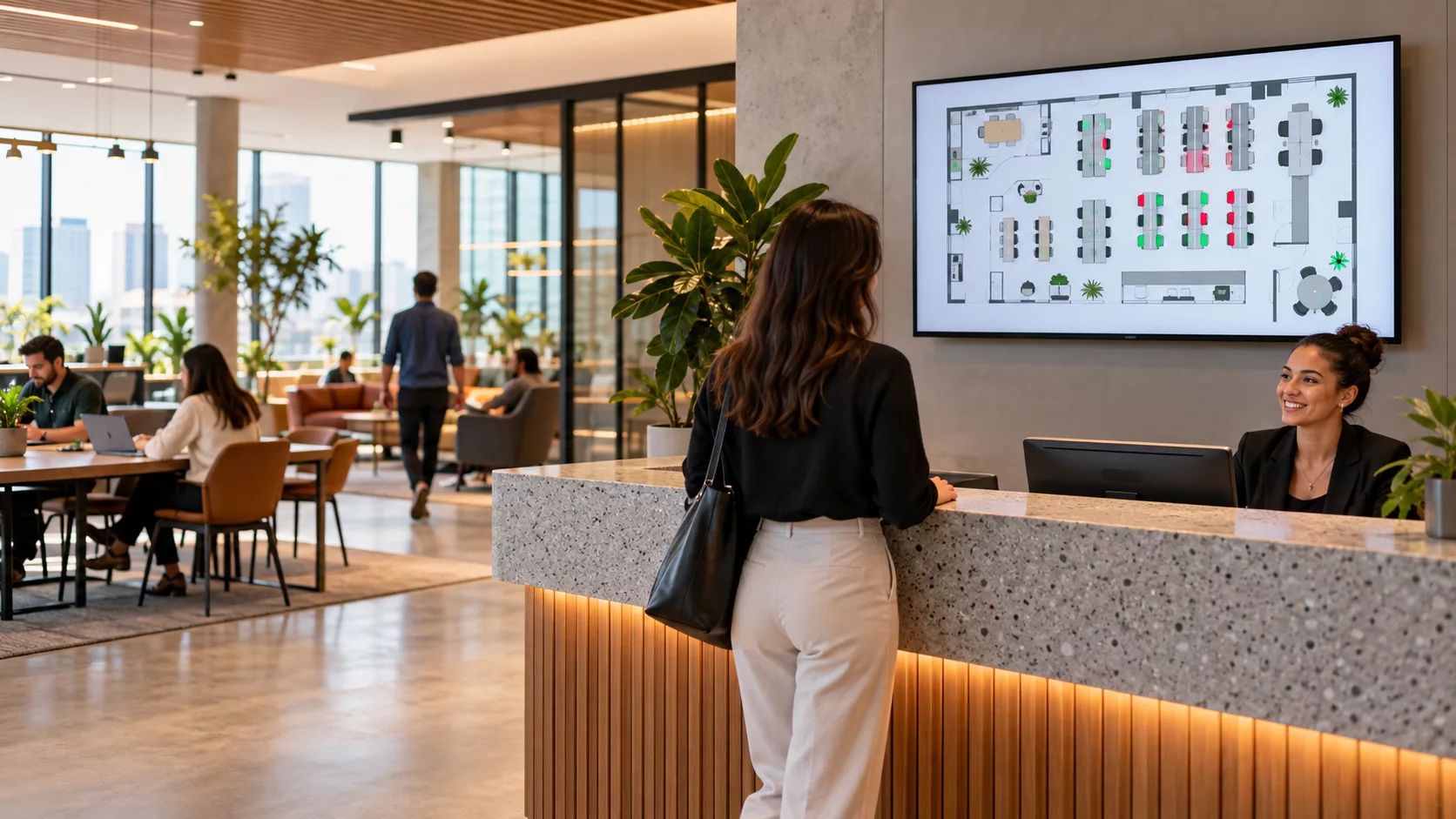
BUILT FOR REAL SIGNAGE WORKFLOWS
Co-Working Space in your space
Manage welcome screens, schedules, company directories, meeting rooms and café views through one professional workspace app.
Designed for: Co-working operators, business centres, flexible offices and innovation hubs.

APP FEATURES
What makes Co-Working Space useful
Each capability is designed around the way co-working operators, business centres, flexible offices and innovation hubs manage and publish screen content.
Daily schedules. Show events, workshops, room activity and community programming.
Company directory. Introduce resident teams and help visitors understand the workspace community.
Meeting-room views. Display room status, upcoming bookings, presentation and conference states.
Café menu screens. Publish menu items, offers and full-screen food promotions.
Reusable profiles. Manage the complete workspace experience from a dedicated dashboard.
PRODUCT VIEWS
Co-Working Space in context
Explore examples of how this app can fit into a venue and managed screen network.
Co-Working Space setting illustration Example venue and screen placement 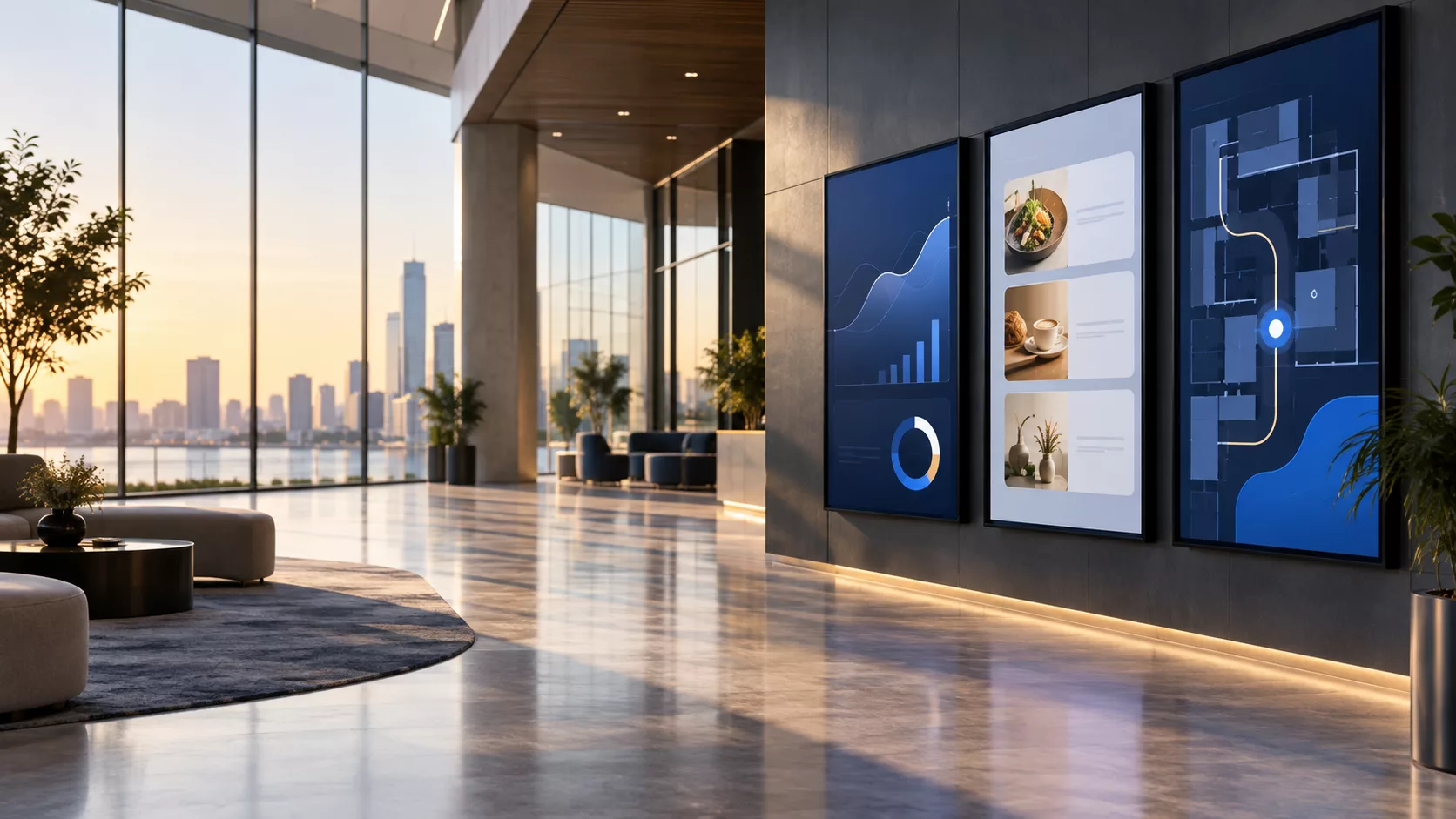 Managed screen network illustration
 EXPLORE BY USE CASE
Co-Working Space for different environments
See how the same app can solve a different communication need in each setting.
SCREEN EXPERIENCE IDEAS
Design a purpose for every Co-Working Space screen
Explore practical placements and audience moments.
-
RECEPTION WELCOME
Reception welcome
Create a polished first impression for members and visitors.
-
COMMUNITY PROGRAMMING
Community programming
Keep workshops, networking and events easy to discover.
-
MEETING ROOM COMMUNICATION
Meeting room communication
Show room names, availability and the next scheduled booking.
-
WORKSPACE CAFé
Workspace café
Run current menus and member offers on dedicated screens.
QUICK SETUP
Launch Co-Working Space in three steps
-
1
Welcome displays
Present workspace branding, messages, weather and useful member information.
-
2
Daily schedules
Show events, workshops, room activity and community programming.
-
3
Company directory
Introduce resident teams and help visitors understand the workspace community.
FREQUENTLY ASKED QUESTIONS
Questions about Co-Working Space
Need help planning this app for your screens?
Our team can recommend the right layout, player and rollout workflow.
Ready to use Co-Working Space on your screens?
Start a free SignMitra trial or book a guided demonstration for your use case.

