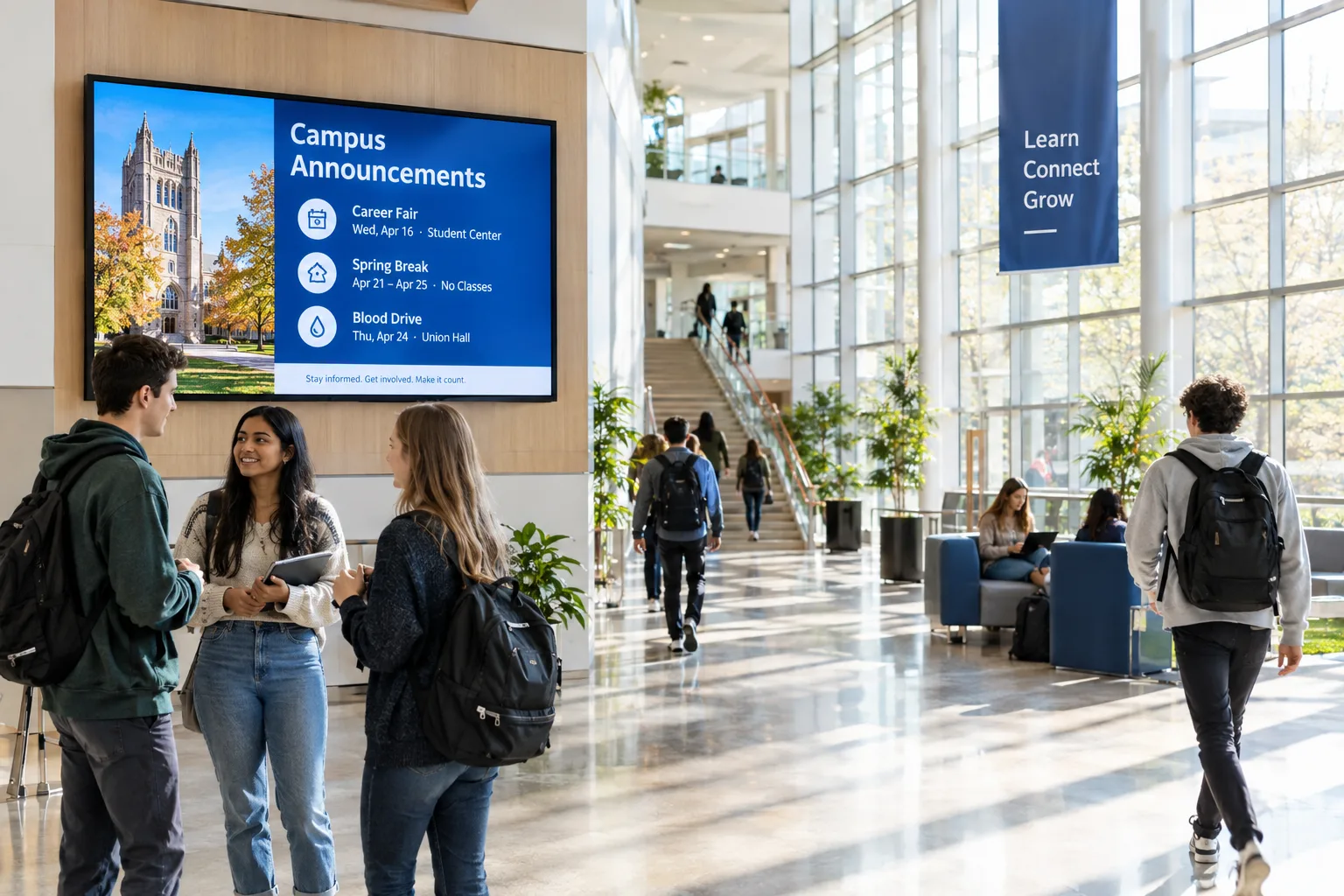
Effective campus communication is vital for a thriving educational environment. Whether it’s event reminders, urgent alerts, or daily notices, digital screens offer a dynamic way to reach students, staff, and visitors. However, managing announcements across multiple screens and locations can be challenging without a clear process. This guide provides a practical, step-by-step workflow for education teams to streamline campus announcements using a cloud-based digital signage system. With actionable advice, real-world examples, and troubleshooting tips, you’ll be ready to keep your campus informed and engaged.
Why Digital Screens Are Essential for Campus Announcements
Traditional methods like printed posters or manual notice boards often fall short in speed and visibility. Digital signage addresses these challenges by offering:
- Immediate updates: Share time-sensitive information—such as class cancellations or weather alerts—instantly across all screens.
- Centralized management: Control messaging for all campus buildings from one dashboard, reducing manual errors and delays.
- Targeted communication: Schedule content for specific locations, such as library-only reminders or hostel-specific events.
- Enhanced engagement: Use vibrant visuals and motion graphics to capture attention and boost message retention.
Step-by-Step Workflow for Publishing Campus Announcements
- Map Your Screen Network
- Identify all key locations: entrances, academic blocks, cafeterias, hostels, sports complexes, and administrative areas.
- Document screen types and check if they are compatible with your digital signage software. For example, before using Signmitra, confirm device and OS compatibility to avoid rollout issues.
- Set Up Your Cloud-Based Signage Platform
- Create an account with your chosen provider. Signmitra offers a free trial and guided demo for hands-on evaluation.
- Install the signage player app on each screen as per the platform’s instructions.
- Group screens by zone (e.g., "Library", "Science Block", "Dining Hall") for more efficient content targeting.
- Develop and Organize Announcement Content
- Use ready-made templates for common messages: daily schedules, event highlights, club meetings, or emergency alerts.
- Incorporate high-contrast headlines, crisp visuals, and brief text for maximum readability.
- Organize media assets—images, videos, PDFs—within the platform’s media library for quick access and re-use.
- Example: For a cultural fest, prepare an announcement carousel with event times, locations, and QR codes for registration.
- Schedule and Publish Announcements
- Leverage scheduling tools to time announcements for maximum relevance (e.g., morning bus schedules, evening event teasers).
- Set up recurring messages for regular events (weekly yoga sessions, monthly parent-teacher meetings).
- Preview each announcement before publishing to ensure accuracy and visual appeal.
- Example: Schedule exam timetable announcements to appear only during the two weeks before exams, then auto-remove.
- Monitor Screens and Update Content
- Use the dashboard to check real-time screen status and playback reports. Address offline screens promptly.
- Regularly remove outdated content to maintain trust and relevance.
- Review engagement metrics (if available) to refine message timing and design.
- Example: If a screen in the cafeteria is frequently offline, investigate connectivity or hardware issues to minimize downtime.
Practical Checklist for Campus Announcement Success
- ✔ Map all campus zones needing digital screens
- ✔ Verify hardware compatibility with your signage platform
- ✔ Group screens logically for efficient targeting
- ✔ Prepare and organize announcement templates and media assets
- ✔ Schedule content for relevant times, dates, and audiences
- ✔ Monitor screen status and playback regularly
- ✔ Remove outdated or irrelevant messages promptly
- ✔ Review analytics and adjust content strategy as needed
Real-World Examples for Education Teams
- Event Promotion: Use a rotating slide deck to highlight upcoming seminars, sports fixtures, and club meetings at entrance lobbies and common rooms.
- Emergency Alerts: Instantly override regular playlists with critical safety instructions during fire drills or severe weather, ensuring campus-wide visibility.
- Wayfinding: Display dynamic maps and room assignments during admissions or examination periods, reducing confusion for new students and visitors.
- Daily Notices: Schedule morning announcements with cafeteria menus, bus timings, and class changes, updating content as needed throughout the day.
Common Pitfalls and Troubleshooting Tips
- Hardware Incompatibility: Always confirm that your existing screens and players are supported by your chosen platform before rollout. For Signmitra, check device and OS requirements in advance.
- Cluttered Messaging: Avoid cramming too much information into a single announcement. Use concise text and prioritize the most important details.
- Neglected Updates: Set calendar reminders to review and refresh content. Outdated information can erode trust and reduce engagement.
- Overloading Playlists: Limit the number of rotating messages to prevent important announcements from being missed. Rotate content at sensible intervals.
- Unmonitored Screens: Assign responsibility for regular screen status checks. Address offline or malfunctioning screens quickly to maintain communication continuity.
- Content Approval Delays: Establish a simple approval workflow within your team to avoid bottlenecks, especially for urgent alerts or sensitive messages.
Conclusion: Reliable, Impactful Communication for Every Campus
A well-executed digital signage workflow transforms campus communications—making announcements more timely, visible, and engaging. By mapping your screen network, organizing content, leveraging scheduling tools, and monitoring performance, your education team can ensure every message reaches its intended audience. Platforms like Signmitra offer flexible, cloud-based tools to streamline these processes, but the principles outlined here apply to any robust digital signage solution. With a disciplined approach, your campus will benefit from improved awareness, safety, and community connection—every day.
Explore Signmitra digital signage software or book a demo to evaluate this workflow for your screens.

