Multi-device contribution. Broadcast from supported cameras, computers, tablets and phones.
Live Streaming Digital Signage App
Broadcast live from a camera or mobile device to your screens
Create a managed live broadcast from a camera, laptop, iPad, iPhone or Android device and play it across selected SignMitra screens.
Start 15-Day Free Trial
No credit card required
Book a Demo
BUILT FOR REAL SIGNAGE WORKFLOWS
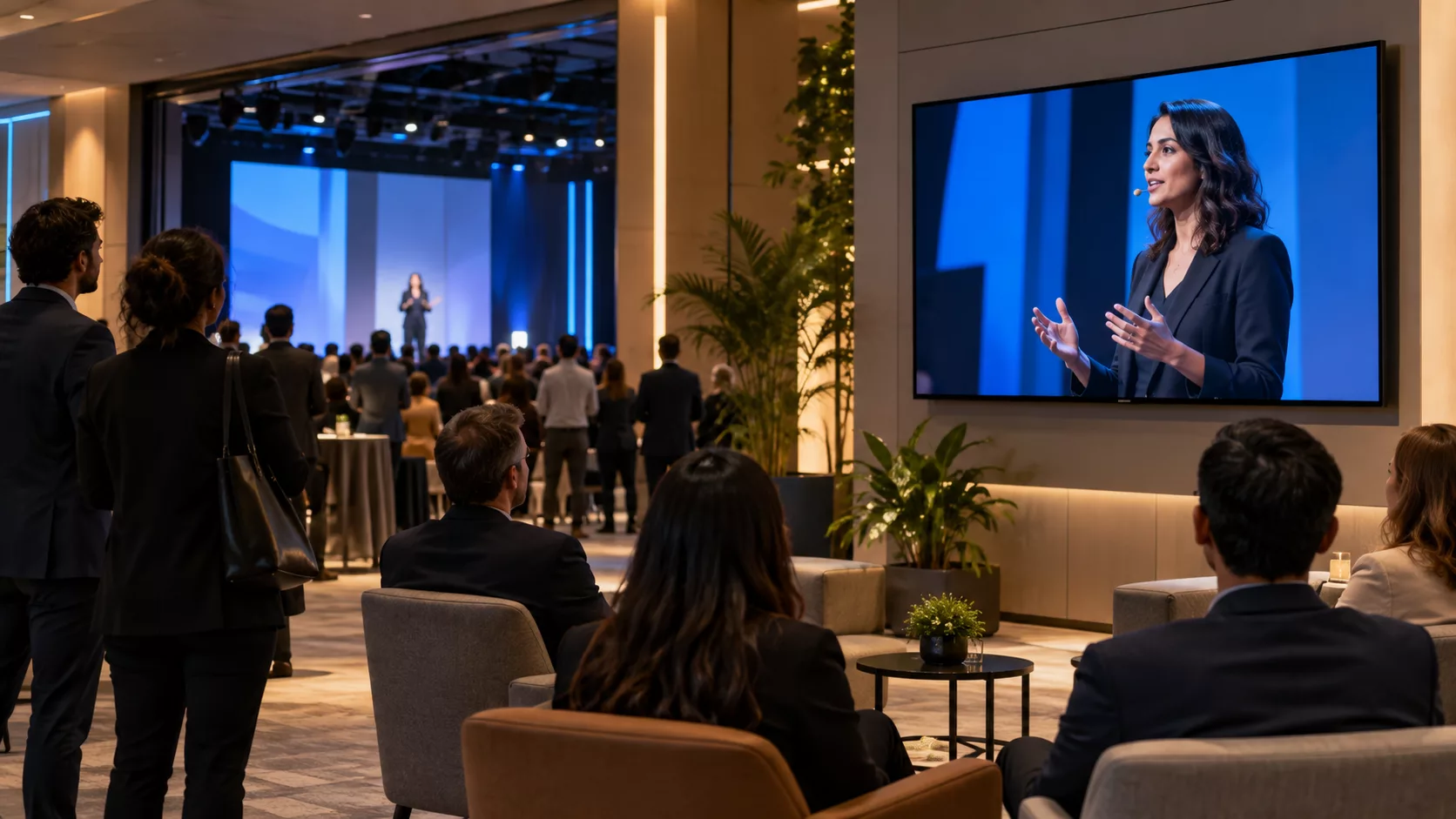
Livestream in your space
Create a managed live broadcast from a camera, laptop, iPad, iPhone or Android device and play it across selected SignMitra screens.
Designed for: Events, schools, enterprises, places of worship and distributed venues.
APP FEATURES
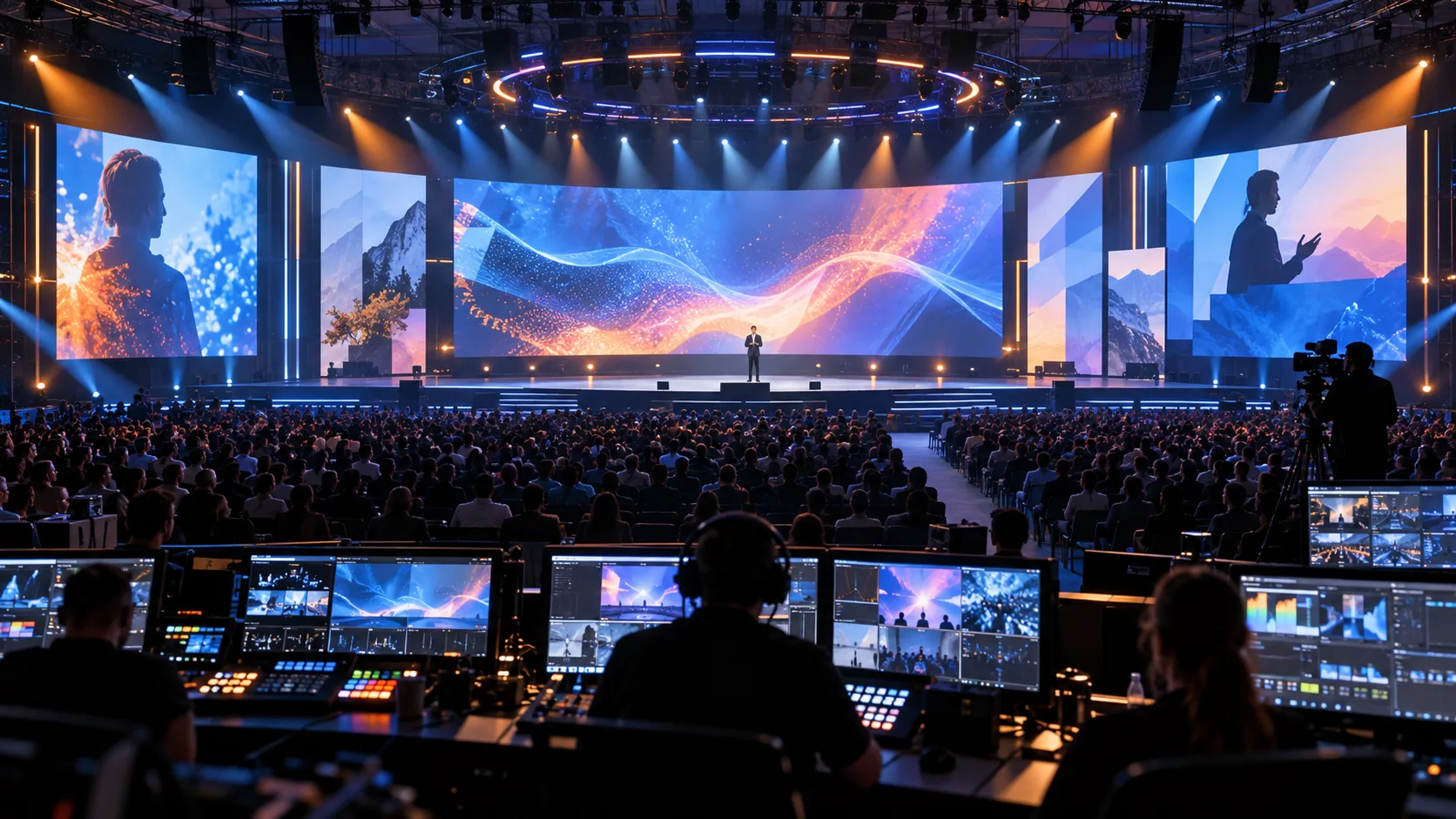
What makes Livestream useful
Each capability is designed around the way events, schools, enterprises, places of worship and distributed venues manage and publish screen content.
Screen targeting. Choose the screens or groups that should receive the live programme.
Audio playback. Deliver live programme audio with the video on supported players.
Branded layouts. Combine a live stream with logos, messages and additional signage zones.
Quick start workflow. Create and launch a broadcast without a complex production setup.
Playback resilience. Clear fallback behaviour keeps the screen controlled when a stream ends.
PRODUCT VIEWS
Livestream in context
Explore examples of how this app can fit into a venue and managed screen network.
Livestream setting illustration Example venue and screen placement 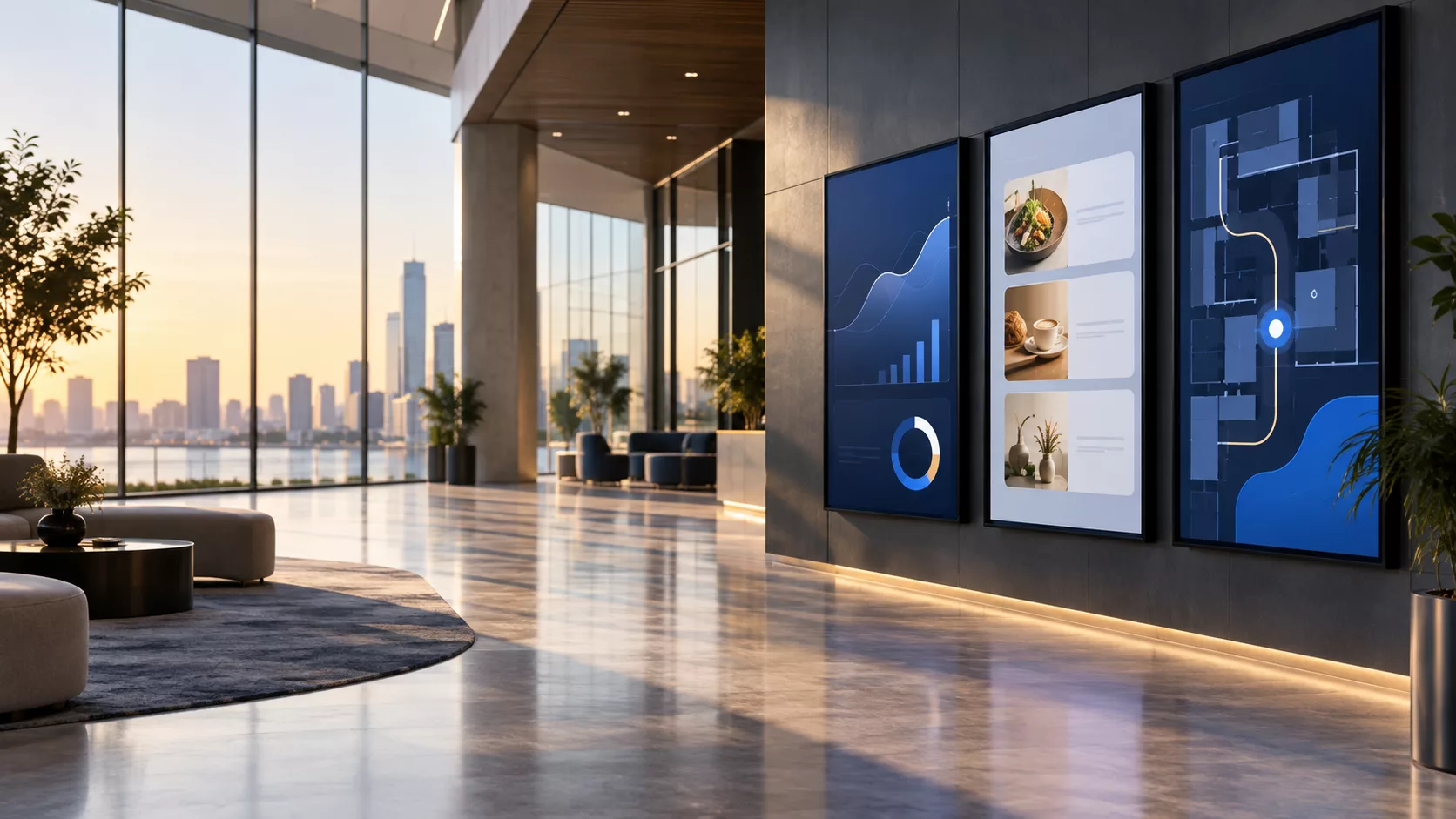 Managed screen network illustration
 EXPLORE BY USE CASE
Livestream for different environments
See how the same app can solve a different communication need in each setting.
SCREEN EXPERIENCE IDEAS
Design a purpose for every Livestream screen
Explore practical placements and audience moments.
-
LIVE EVENTS
Live events
Extend stage sessions to foyers, overflow rooms and remote locations.
-
SCHOOL ASSEMBLIES
School assemblies
Share assemblies and announcements across campus screens.
-
EXECUTIVE BROADCASTS
Executive broadcasts
Connect leadership with employees in multiple offices.
-
COMMUNITY PROGRAMMES
Community programmes
Broadcast services, ceremonies and local events.
QUICK SETUP
Launch Livestream in three steps
-
1
Multi-device contribution
Broadcast from supported cameras, computers, tablets and phones.
-
2
Screen targeting
Choose the screens or groups that should receive the live programme.
-
3
Audio playback
Deliver live programme audio with the video on supported players.
FREQUENTLY ASKED QUESTIONS
Questions about Livestream
Need help planning this app for your screens?
Our team can recommend the right layout, player and rollout workflow.
Ready to use Livestream on your screens?
Start a free SignMitra trial or book a guided demonstration for your use case.

