Help distributed teams understand working hours across key regions.
Automatic timezone handling. Use recognized timezones so daylight-saving changes are handled automatically.
Display multiple cities, countries and business regions with automatic timezone handling, managed profiles and professional clock layouts.
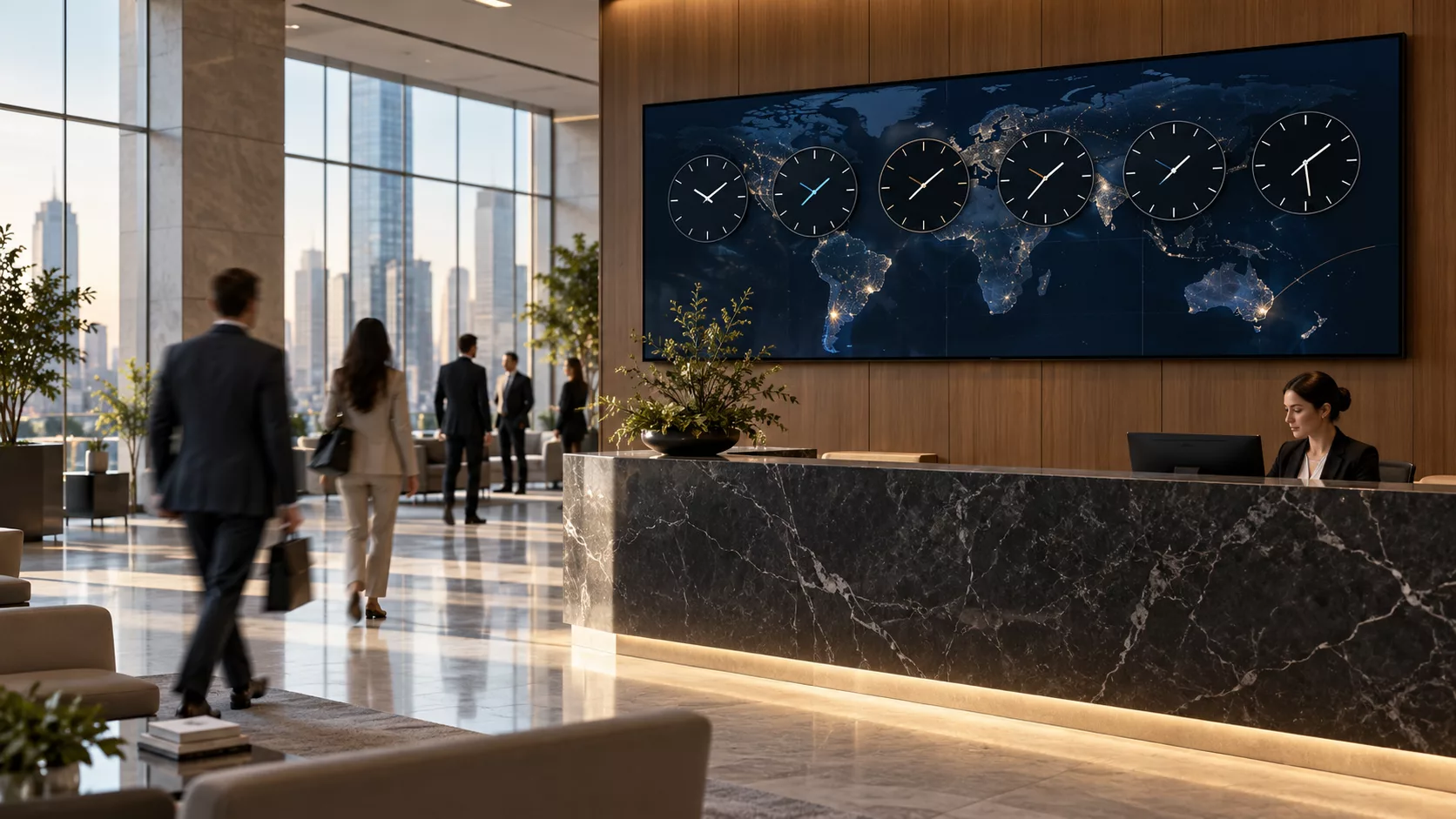
BUILT FOR REAL SIGNAGE WORKFLOWS
Display multiple cities, countries and business regions with automatic timezone handling, managed profiles and professional clock layouts.
Designed for: Global offices, hotels, airports, trading floors and operations centres.
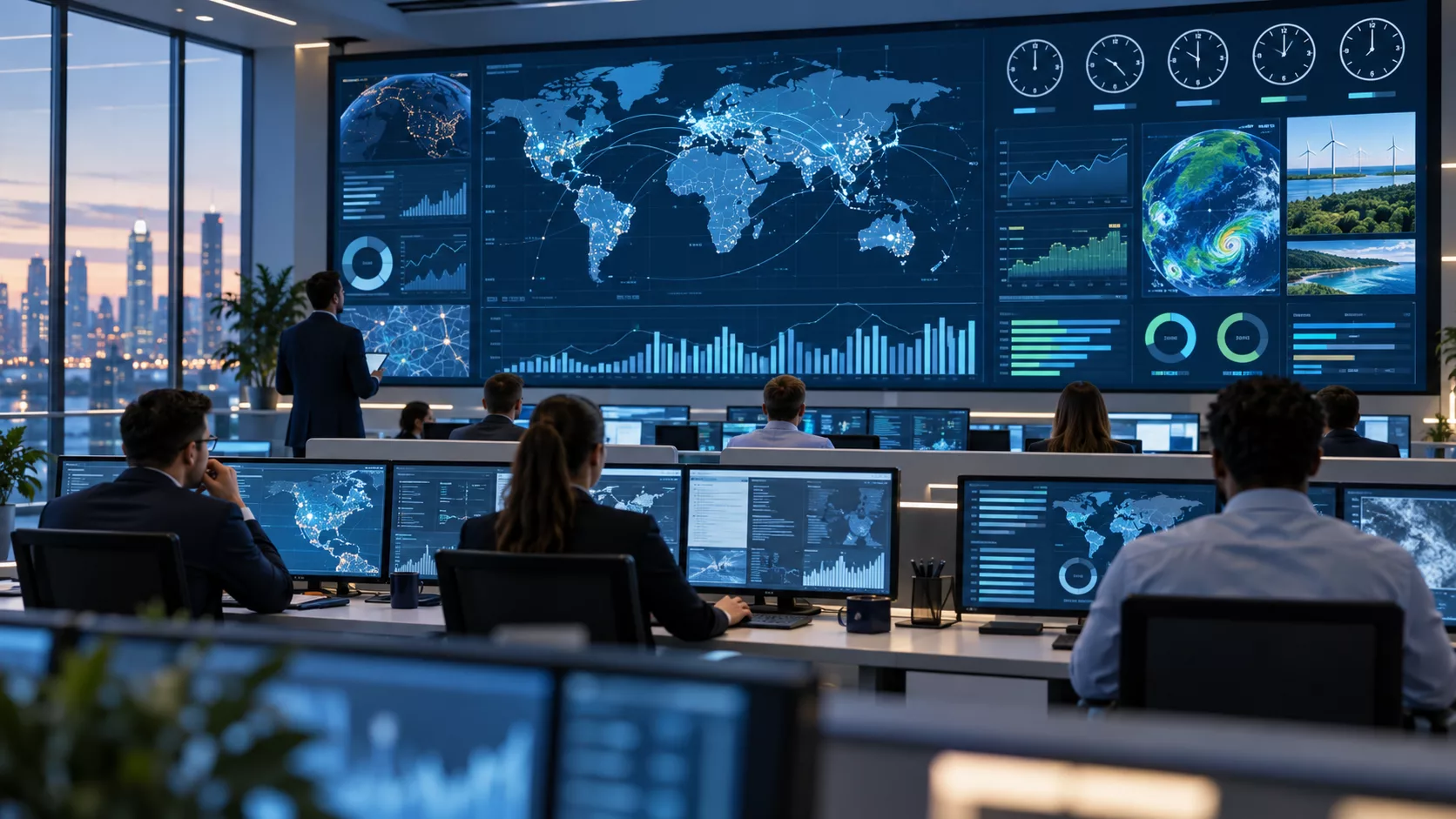
APP FEATURES
Each capability is designed around the way global offices, hotels, airports, trading floors and operations centres manage and publish screen content.
Automatic timezone handling. Use recognized timezones so daylight-saving changes are handled automatically.
Digital and analogue styles. Choose the clock treatment that fits the venue and viewing distance.
Multiple city layouts. Use grid, executive, world, minimal, board and split presentations.
Managed profiles. Maintain cities, labels and branding centrally for reusable screen content.
Date and zone labels. Show optional date, seconds, day/night status and timezone information.
Portrait and landscape. Keep time readable across horizontal and vertical displays.
PRODUCT VIEWS
Representative app previews show landscape, alternate and portrait layouts with sample content.
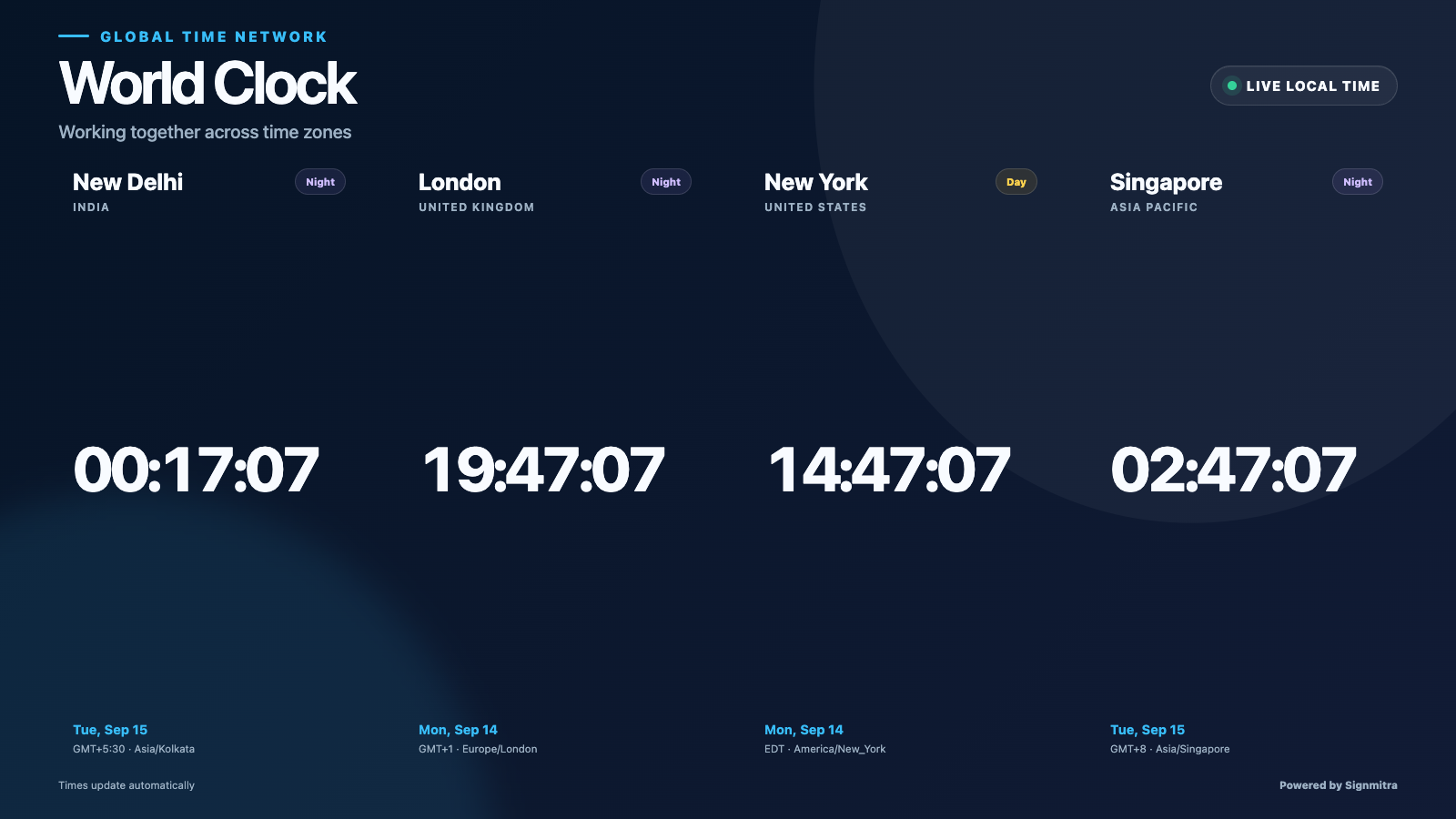 World Clock landscape screen preview
 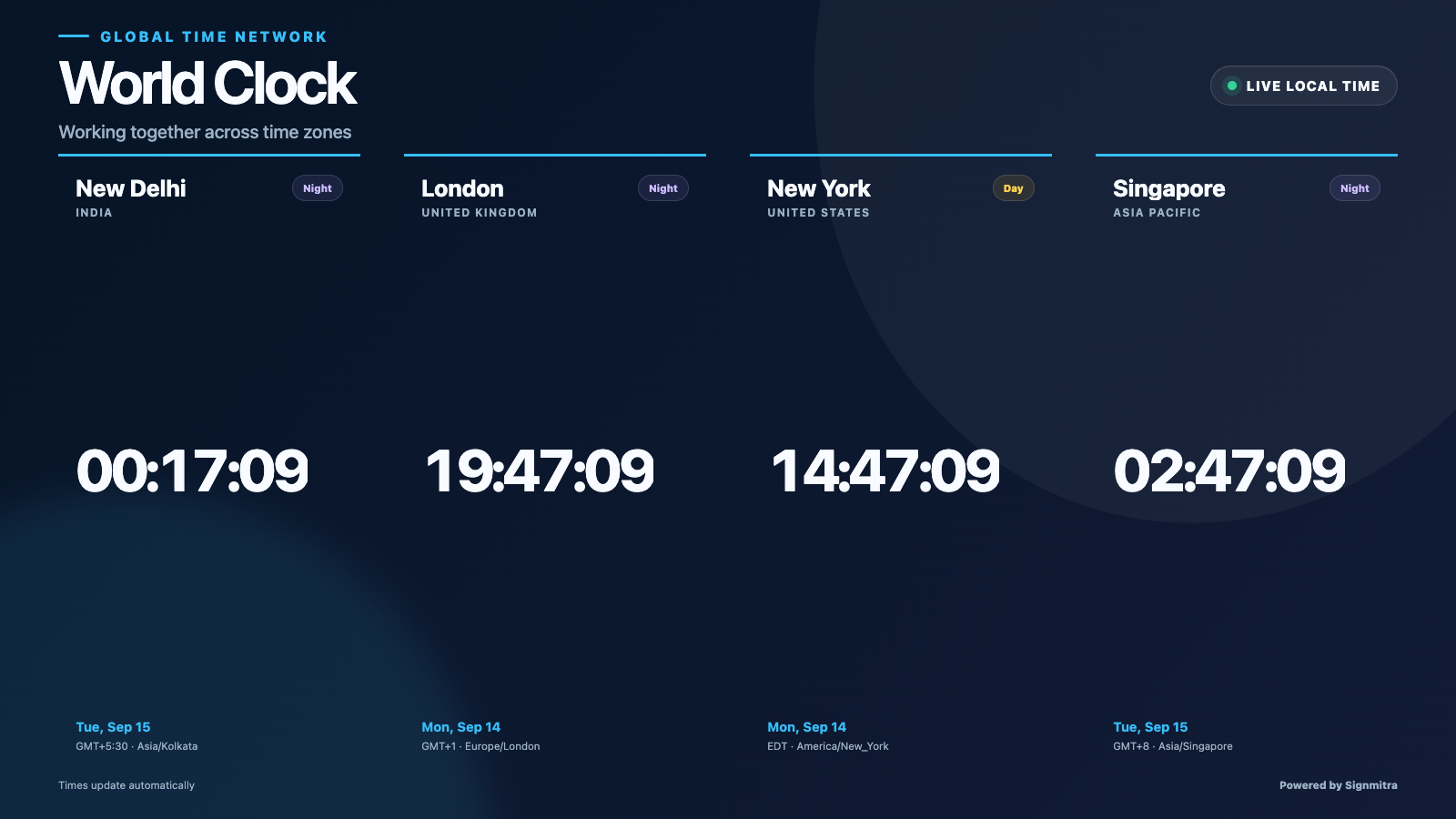 World Clock alternate screen preview
 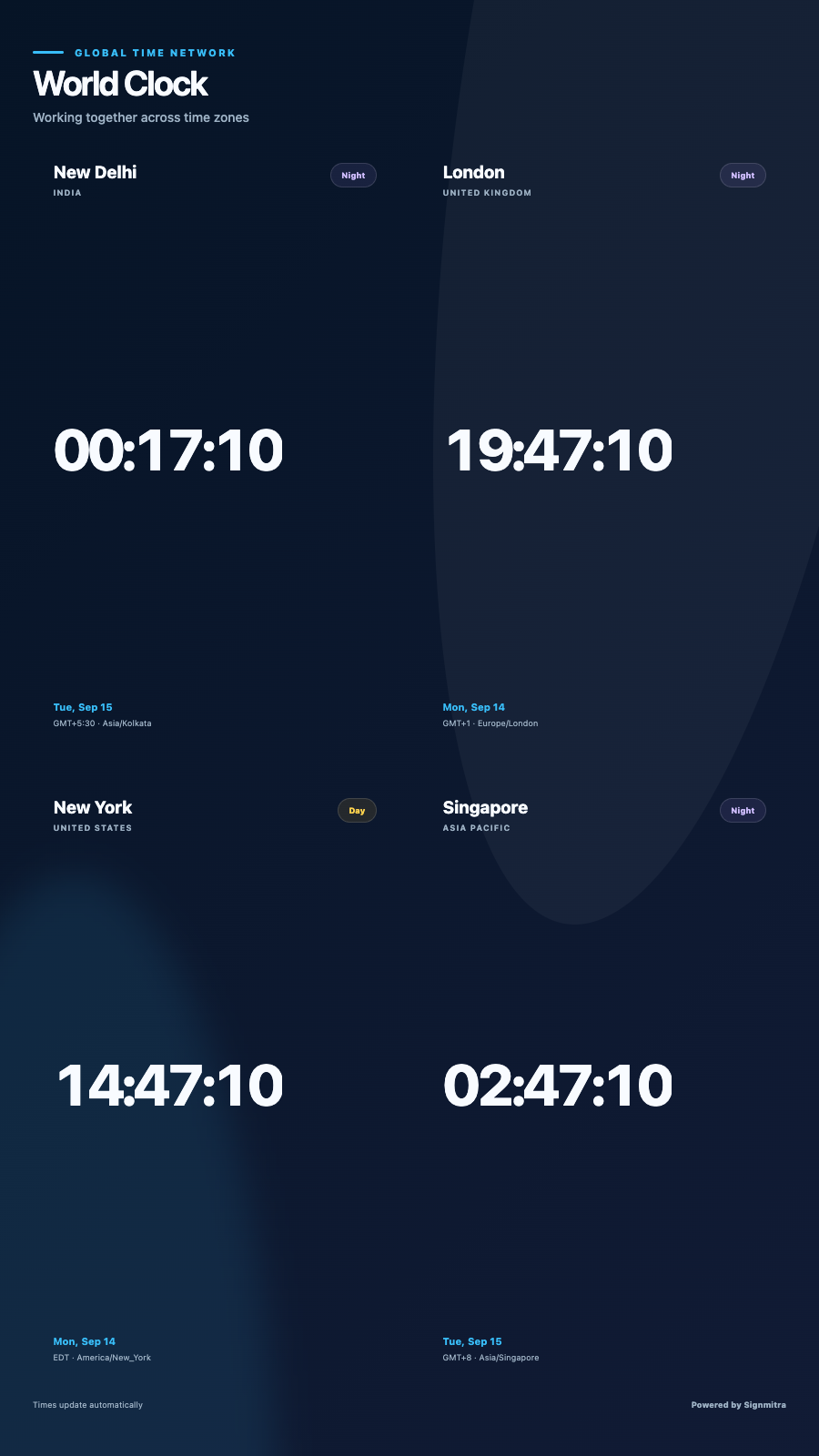 World Clock portrait screen preview
 EXPLORE BY USE CASE
See how the same app can solve a different communication need in each setting.
Help distributed teams understand working hours across key regions.
SCREEN EXPERIENCE IDEAS
Explore practical placements and audience moments.
Global offices
Help distributed teams understand working hours across key regions.
Hotels and airports
Show destination time in lobbies, lounges and travel areas.
Trading operations
Keep important market regions visible on operational displays.
Customer support centres
Coordinate teams serving customers across multiple timezones.
QUICK SETUP
Use recognized timezones so daylight-saving changes are handled automatically.
Choose the clock treatment that fits the venue and viewing distance.
Use grid, executive, world, minimal, board and split presentations.
FREQUENTLY ASKED QUESTIONS
Our team can recommend the right layout, player and rollout workflow.
Start a free SignMitra trial or book a guided demonstration for your use case.

